




Let's Learn how to create your own Website
Who can take courses?
● Want to prepare for a small business?
● Looking to create a personal portfolio?
● Planning to start a blog or a small group website?
● Or any other reasons…
Course A
Simple Website
Course A has 6 sessions, starting with setting up your domain and hosting. We’ll guide you step by step to build your website, following along in class. $270
Course B
E-commerce website
Want to sell your product on your website? Course B has 8 sessions, starting with setting up your domain and hosting. We’ll guide you step by step to build your w-commerce website, following along in class. $360 (Most Popular)
Course C
Maintain / edit website
Already have a WordPress website? And want to maintain a website by yourself? Course C has 4 sessions including edit images and any contents. Also you will learn how to use any various functions in this course. $180
Website Course Q and A
Yes, this class does not include your hosting and domain fees. Typically, you can get a free domain, but hosting fees are paid directly to the hosting company. I prefer to use GoDaddy or DreamHost for hosting, but it’s not a big deal—we can choose another hosting company if needed. The cost is usually around $60-80 per year with a discounted price.
No, this class is for beginners with no prior experience or knowledge. However, you need to have a passion for creating your own website. WordPress is a type of Content Management System, which means anyone can build a website using drag-and-drop tools. 🙂
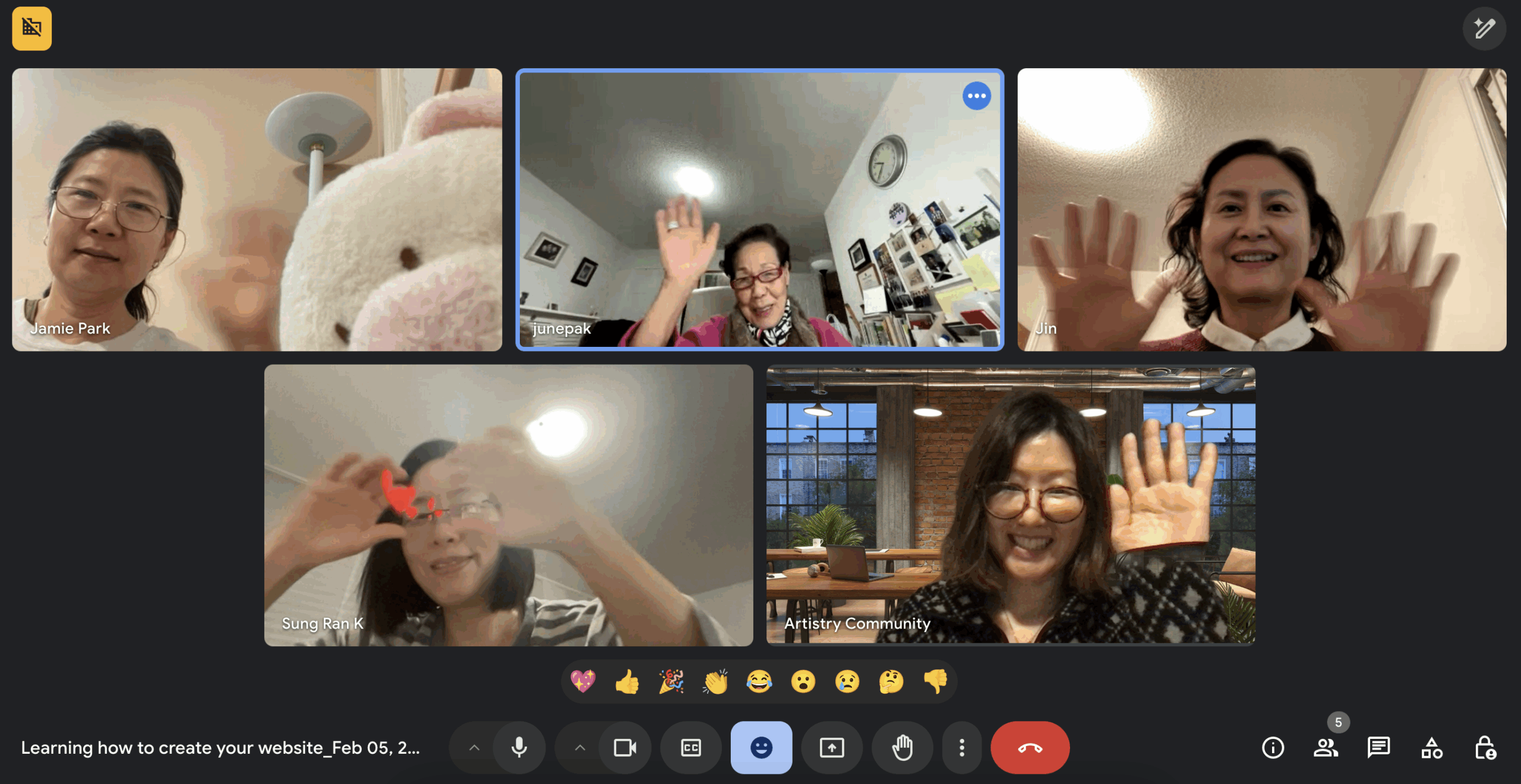
Yes, we will use Zoom and Google Meet. I prefer Google Meet and will share the link before the class. In the first session, I will explain how you can navigate the class.
You can create any kinds of website you want, from a personal blog or portfolio to an e-commerce site. However, I don’t recommend creating an e-commerce site with over 30 products, as the aim of this class is learning. After the class, you can add more content and adjust your website design on your own.
WordPress is a Content Management System (CMS), meaning you can manage the content on your website according to your purpose if you understand how it works. Even after completing the course, you might still be able to adjust freely and continuously.
If you wish to cancel your enrollment, you may request a 50% refund within 7 days of the course start date. After 7 days, refunds are no longer available. If you’re unable to continue, you may choose to transfer your enrollment to another person or defer to the next course cycle instead. For any assistance or inquiries, please contact us at saylizard.studio@gmail.com
Featured Review

I took the WordPress course right after graduating college to build my portfolio website, and it was a game-changer! Now I can easily manage and edit my own site. I’ve already told all my friends about it—they’re excited to create their own websites too!
Heyden. P
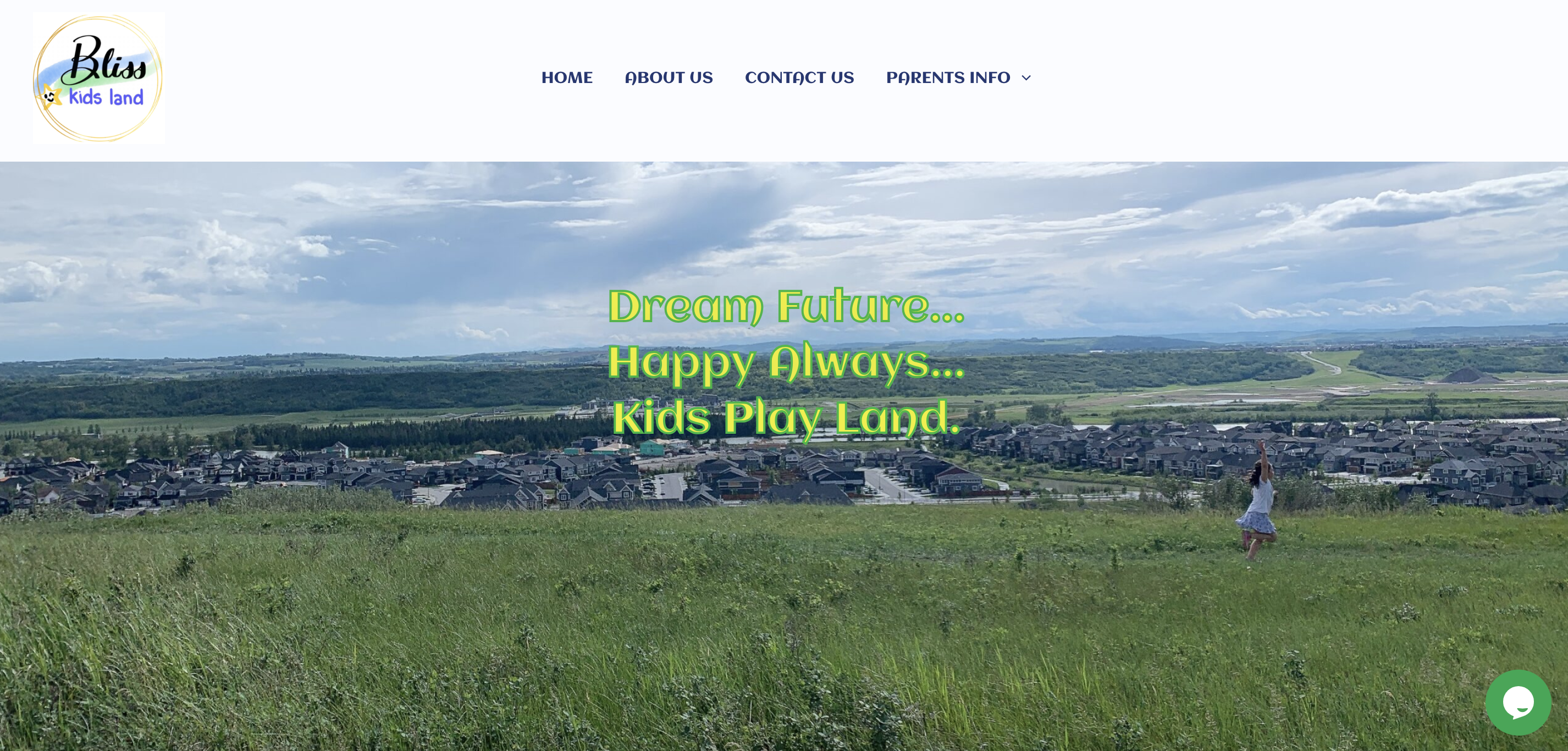
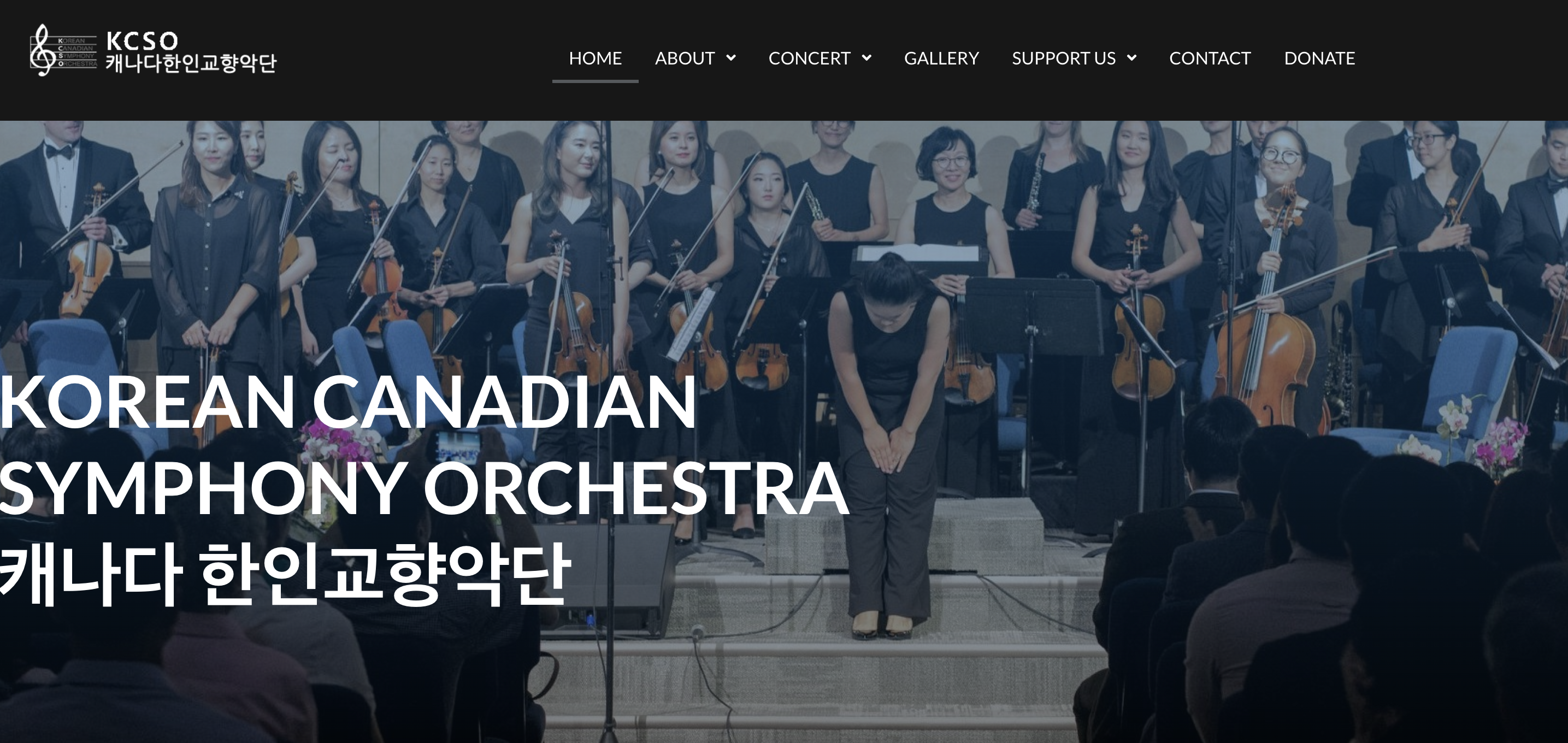
Featured Creations in class
Don't be a stranger!
Let's Connect!
Got questions about this online course?
Share it in your message! I’ll be in touch within 24 hours.